Administration
Registration, rules and terms
Control new signups, display names, email eligibility and explicit terms acceptance.
On this page
Registration policy#
Open Community settings → Registration (/admin/settings/registration). Set signup availability, welcome copy and the explanation/contact link shown when closed. Closing registration blocks both the signup page and direct registration submissions; existing accounts can still use login and recovery.
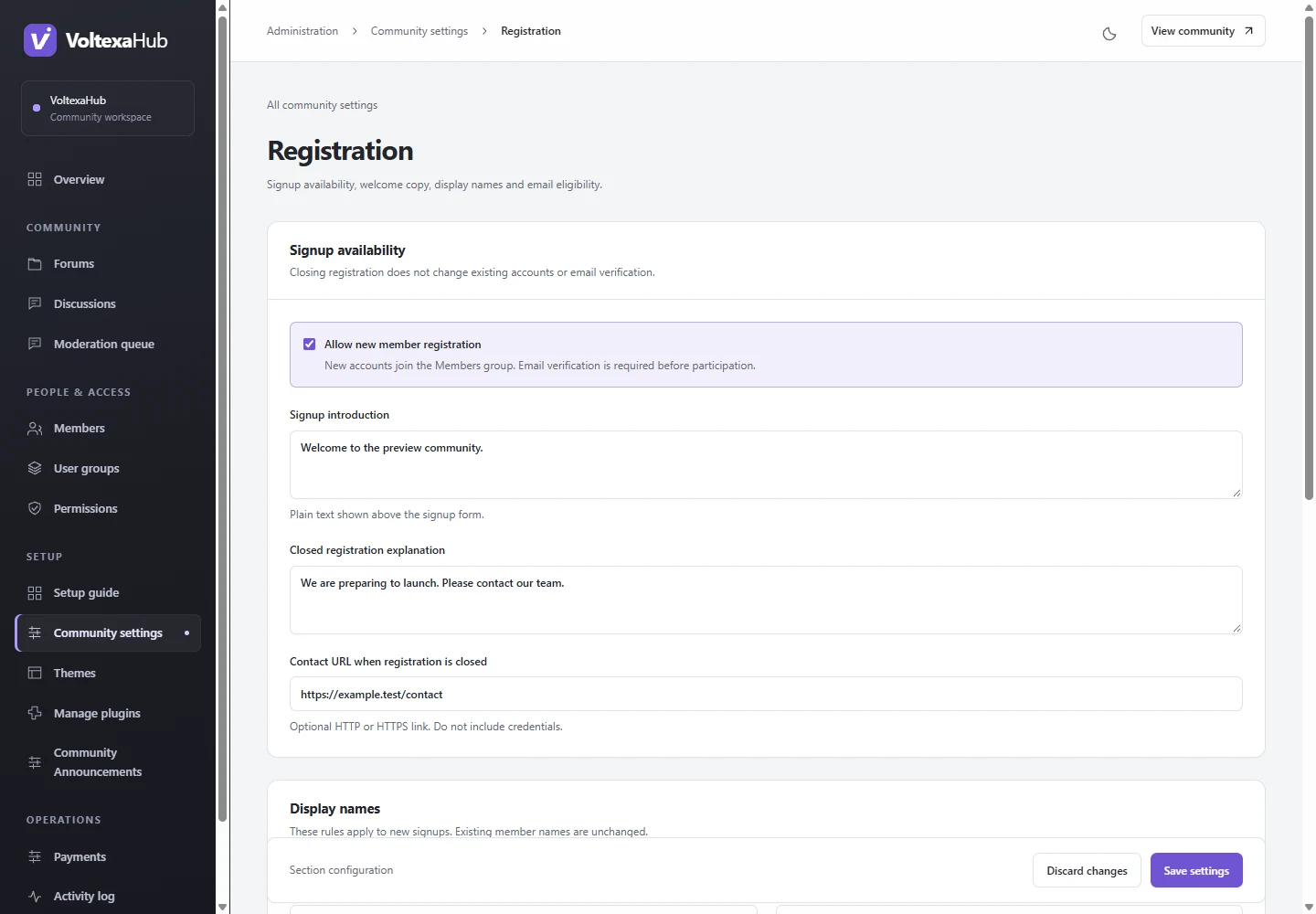
Choose display-name bounds within the supported 3–30 characters and optional reserved names. You can configure exact email-domain allow/block lists. Blocking wins; subdomains are not implicitly matched. These policies apply to new accounts and do not rename existing members.
Publish community rules#
Open Rules & terms (/admin/settings/terms). Enter a readable title and plain-text rules, publish them, and choose whether new signups must explicitly accept. Published rules are available at /rules on your community.
Changes publish a new immutable terms version. An already-open signup form may need to reload and accept the latest version. Existing members are not assigned invented historical consent. To unpublish a document, first stop requiring acceptance.
Verify the signup experience#
Use a logged-out browser and a separate test address you control. Check open/closed signup, acceptable and rejected names/domains, rules links, required acceptance, verification email and first post. If you use a custom theme, preserve the required acceptance/version fields and CAPTCHA integration; core still enforces the policy.
Add spam protection#
Turnstile protection is optional and starts disabled. Configure and verify real keys before enabling it. Login and password recovery are independent of signup CAPTCHA.