Administration
Members and groups
Manage accounts, group membership and staff access with deliberate permission checks.
On this page
Find and edit a member#
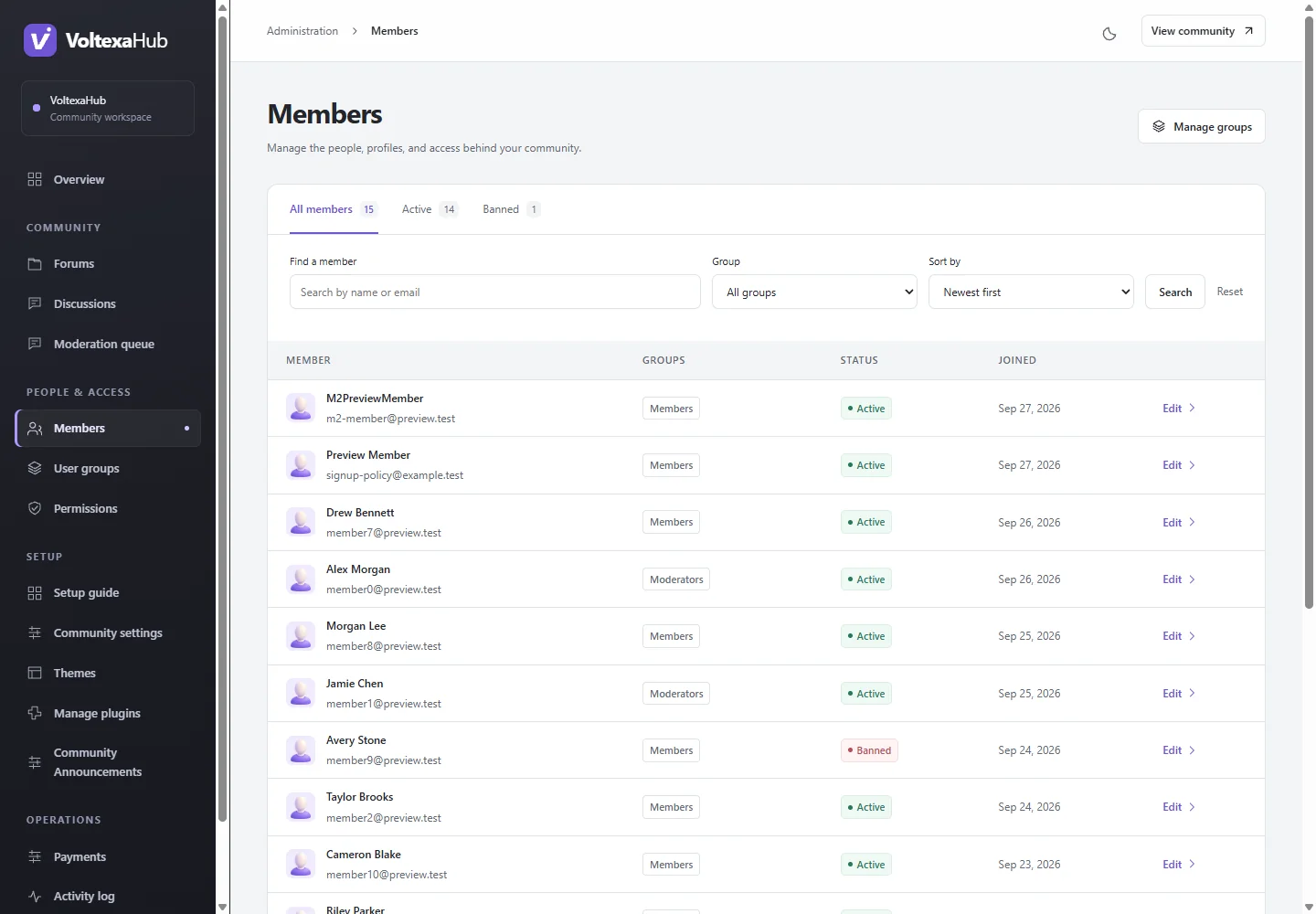
Open Administration → Members (/admin/members) and select the account. The editor shows profile details, group membership and account status. Review the exact account before saving; display names are not a substitute for account identity. The administrator's own profile uses the account settings flow where the editor disables self-edit fields.
Use groups to describe responsibilities#
Administration → Groups defines membership groups. A member inherits permissions from every assigned group. Create ordinary custom groups for cohorts or restricted spaces and grant only the capabilities they need. Treat administrative and staff groups as privileged access.
Assign groups in the member editor, then use Inspect access to see the effective result. A rule for one group can interact with other group rules and forum inheritance; do not assume an extra allow overrides a deny. See permissions.
Bans, verification and recovery#
Use the account-status controls for the intended member. Bans affect access even when membership would otherwise allow it. Verification is needed for protected posting workflows. Rehearse password recovery through the normal email-based account flow and verify mail delivery before a launch.
New registration restrictions do not rename or retroactively restrict existing accounts. Members can edit their own profile, avatar, password and email through their account pages. An email change needs verification; check registration and email.
Paid membership#
Paid entitlements are separate from manual group assignments. Billing must not replace manual membership. Use a dedicated ordinary group for a paid benefit and inspect its effective access. Adding staff or unsupported plugin permissions to a paid group can invalidate paid access; see payments.