Getting started
Setup guide and launch checklist
Rehearse the member journey and record deliberate operational checks.
On this page
Open the setup guide#
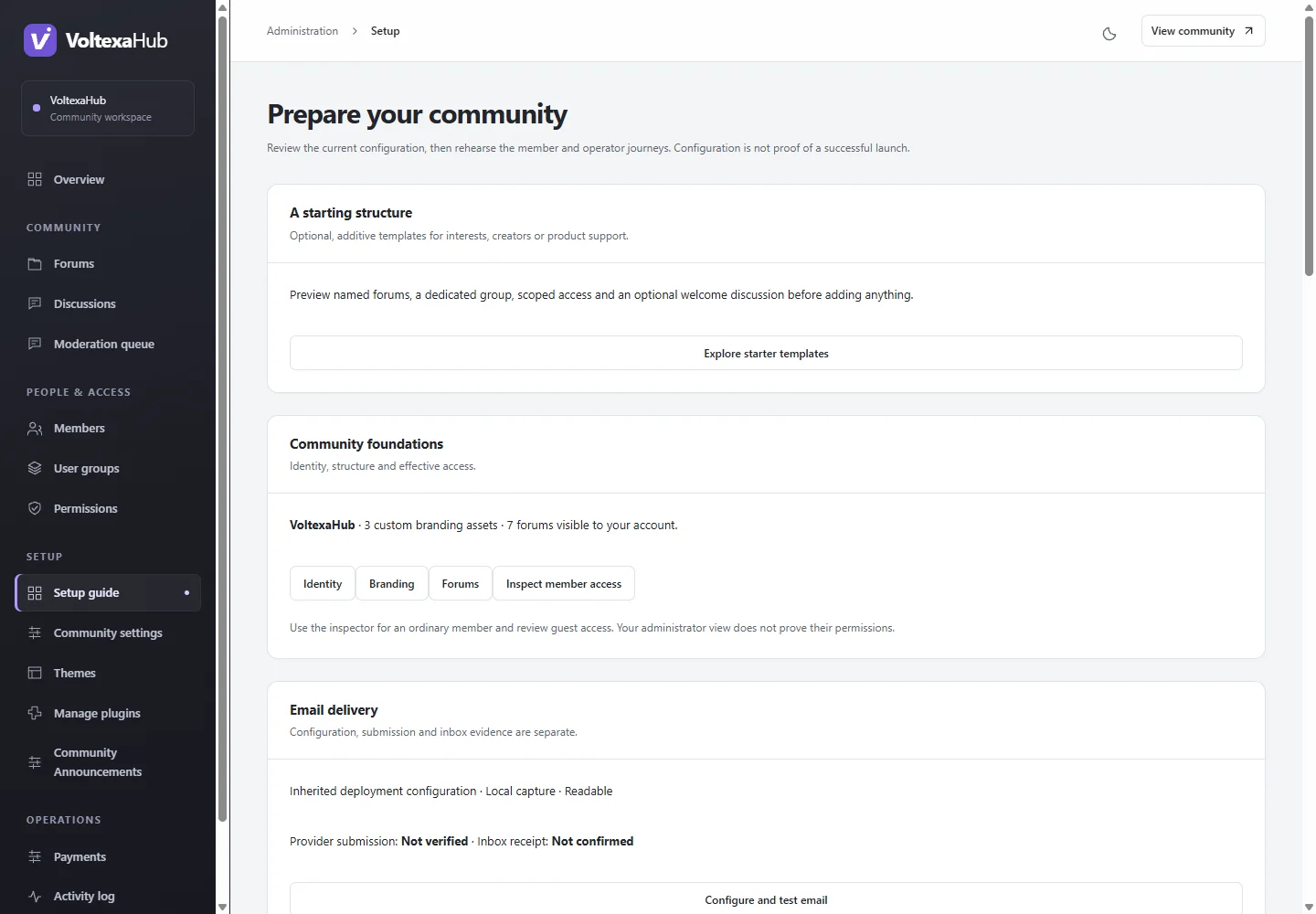
Visit Administration → Setup guide (/admin/setup). It connects the current settings to a shared launch checklist. Configuration evidence and manual attestations are different: visiting a page does not complete a task.
Start with a community structure#
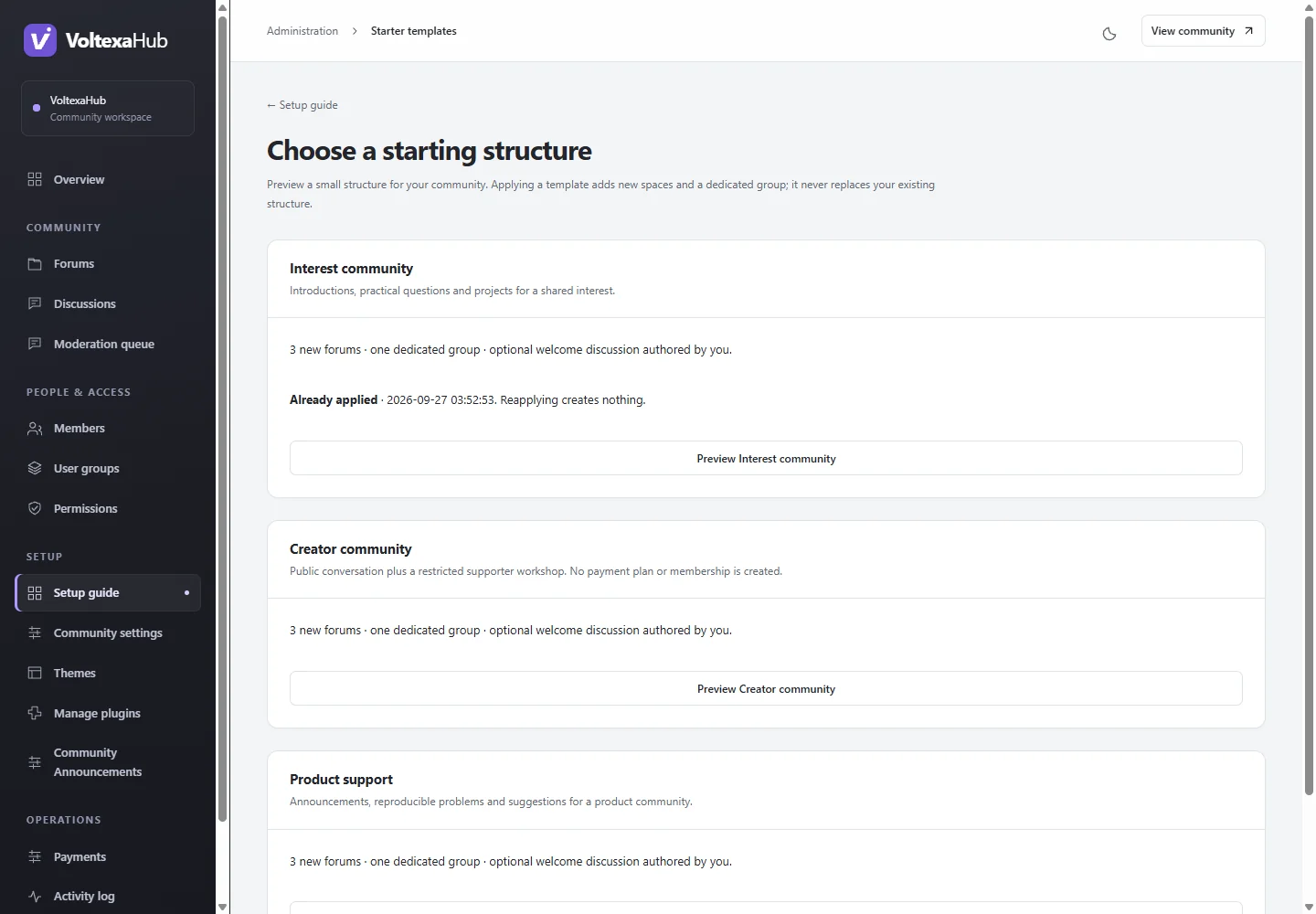
Open Setup guide → Starter templates. Preview the hobby, creator or product-support structure before applying it. Templates add forums, a dedicated group and scoped rules; they do not rearrange existing forums, create users or configure payment plans. Each template applies once. Review any optional welcome discussions and inspect the new group's access before assigning members.
Rehearse as an ordinary member#
- Use a separate test account and your real intended registration policy.
- Sign up, accept current terms where required, and receive/complete verification.
- Find an allowed forum, start a discussion and reply. Check search, attachments and watched-discussion notifications.
- Confirm restricted spaces and their search results/counts stay hidden.
- Test password recovery and the mobile experience. Administrator access does not demonstrate member access.
Rehearse operations#
Verify queue processing and billing scheduling where used. Send and confirm an administrator email test. Create a consistent backup and restore it in isolation. Check staff recovery, moderation responsibilities and your support/contact links.
Record and revisit checks#
Explicitly attest to completed manual tasks in the checklist. Reopen a task when relevant configuration changes. The recorded administrator and time document your review; completion is not an automatic hosting or backup certification. Hiding the dashboard prompt affects only that administrator's presentation; the guide remains available.